 Vivi plugins
Plugins for Vivi
21 extensions. Built-in ones ship with Vivi; downloadable ones install from Settings → Extensions → Browse with checksums verified and permissions shown before install.
No plugins match.
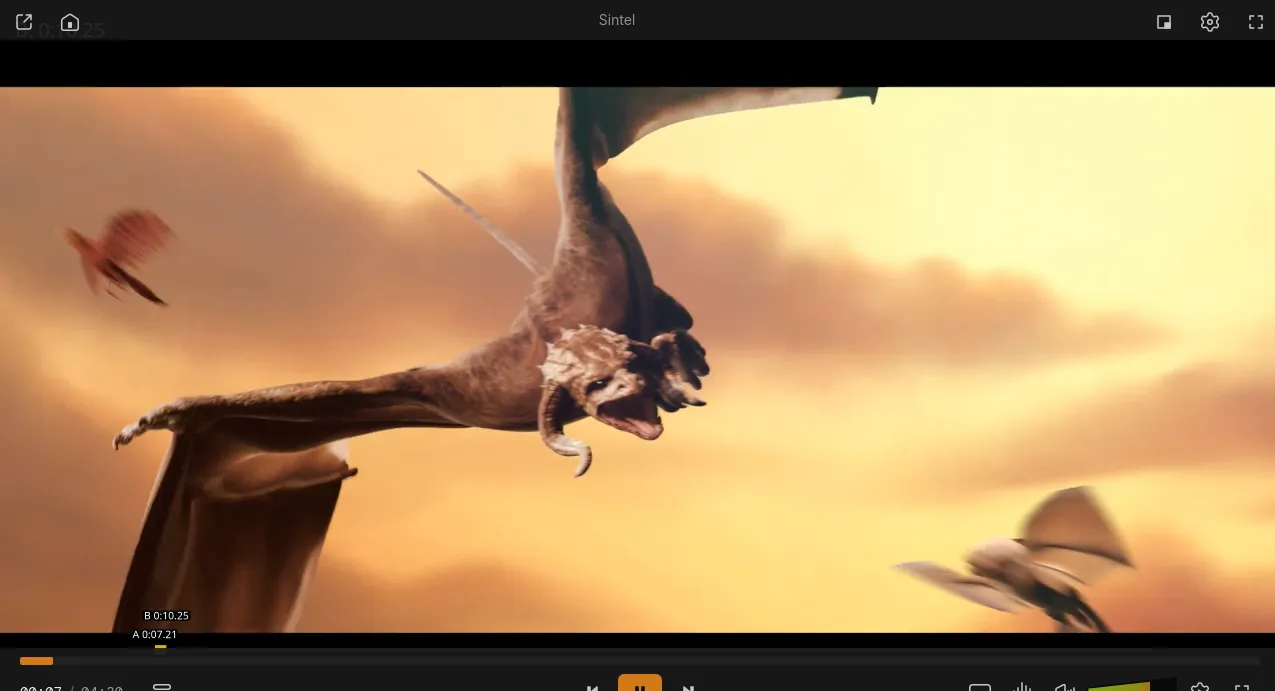
A-B Loop & Frame Step
Set and clear A-B loop points from the keyboard, nudge them by a frame, step frame by frame while paused and see the loop on an on-screen bar.
AcoustID Tagger
Identifies the playing song by its sound: fingerprints it with Chromaprint's fpcalc, looks it up on AcoustID and MusicBrainz and opens the Auto-tagger's before/after review with the tags and a new file name built from your pattern (for example {artist} - {title}), applied only when you confirm. Uses an installed fpcalc, otherwise downloads the official one (1.3–2.6 MB). Needs your free AcoustID application key.
Auto-tagger
Identifies songs by their audio (AcoustID fingerprint) or tags, looks them up on MusicBrainz, Deezer, iTunes, Last.fm and Discogs and writes tags, hi-res covers and optional LRCLIB synced lyrics after a preview that shows each field's source. Originals are backed up. Keys optional.
Chapter Thumbnails
Thumbnail preview while hovering the seek bar and a picture for every chapter in the Chapters tab, generated in the background and cached per file. Alt+H lists the chapters with titles and times. Uses your ffmpeg; without one it downloads Vivi's media ffmpeg build once (about 15 MB, shared with Subtitle Auto-Sync).
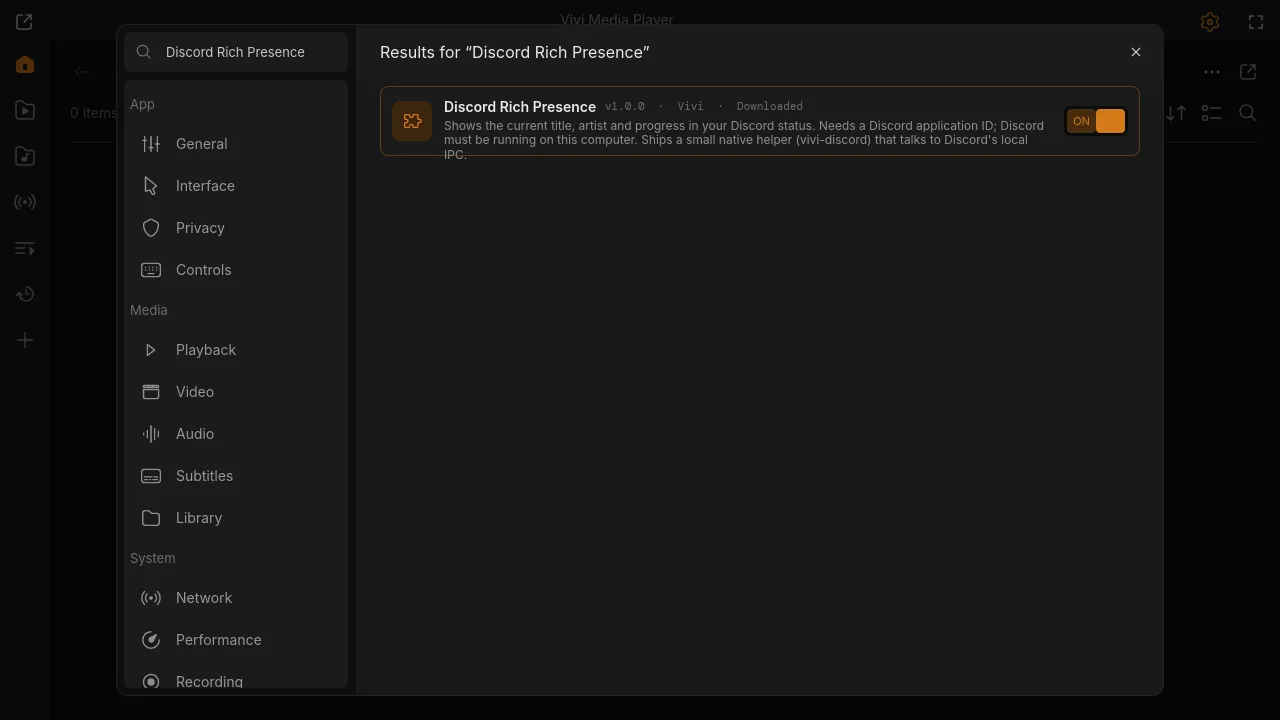
Discord Rich Presence
Shows the current title, artist and progress in your Discord status. Needs a Discord application ID; Discord must be running on this computer. Ships a small native helper (vivi-discord) that talks to Discord's local IPC.
Equalizer
Equalizer presets (Bass, Vocal, Rock, Night, Flat) and a custom 10-band EQ from 31 Hz to 16 kHz, through mpv's audio filters (ffmpeg equalizer or superequalizer). Alt+E cycles presets, Alt+Shift+E turns it off; the choice is remembered. Independent of the Audio panel's own EQ.
Free Music
Search Creative Commons and public-domain music on the Internet Archive and Jamendo, preview it, and download it to your library with tags, cover and licence attribution. Jamendo needs a free client ID.
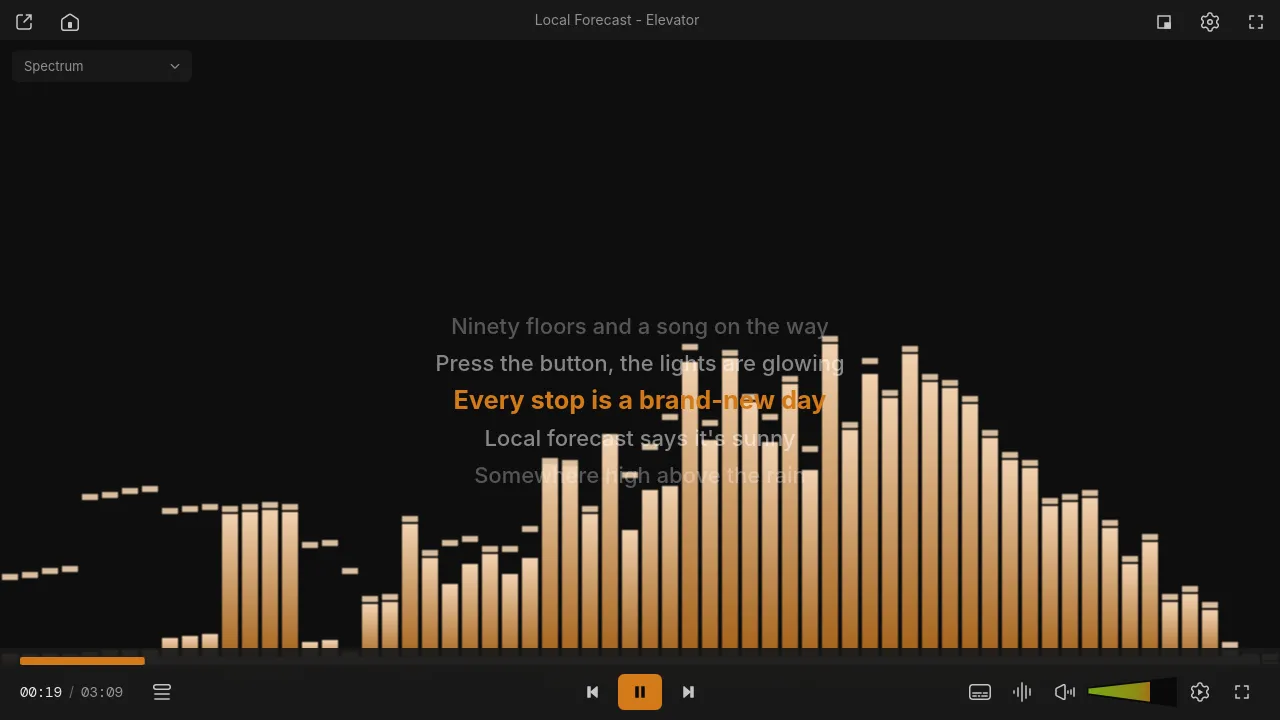
Lyrics
Synced lyrics as a karaoke overlay, from a .lrc file next to the song or from LRCLIB, cached on disk. Radio streams: lyrics for the current stream title.
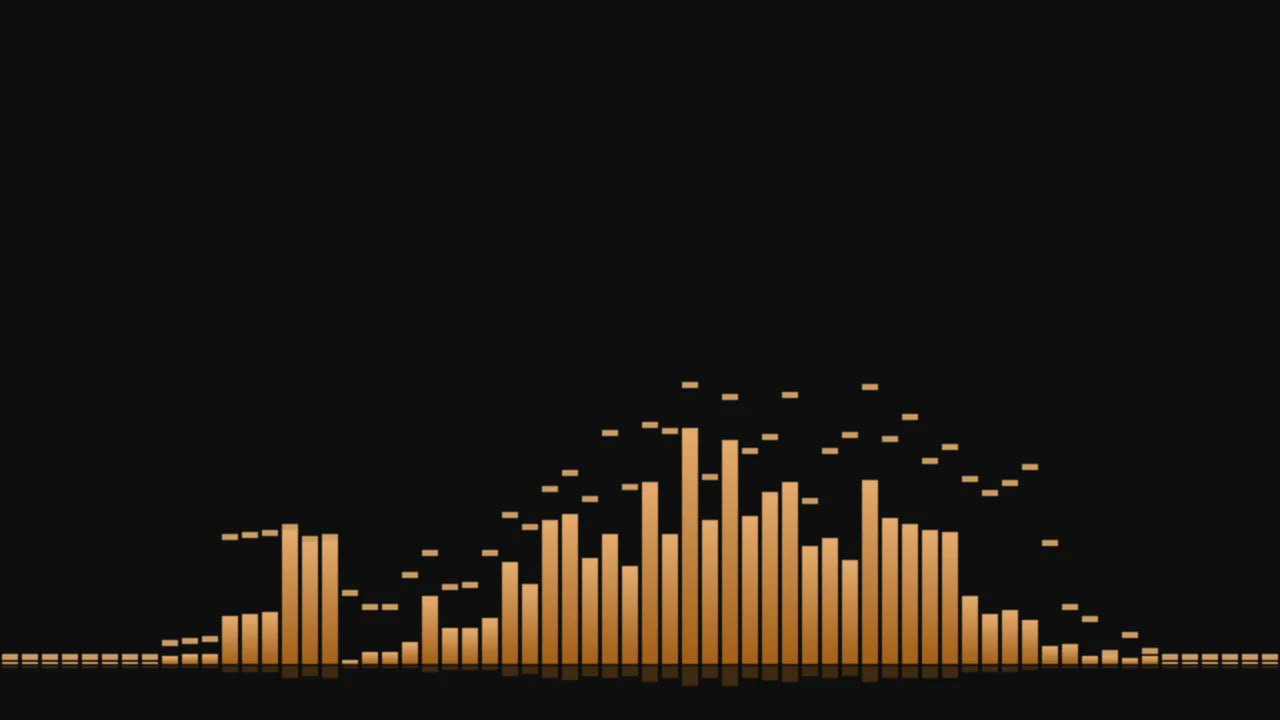
Music Visualizer
Spectrum, scope, waveform, radial, particles and pitch visuals for audio-only files. Pick a mode with the dropdown or V.
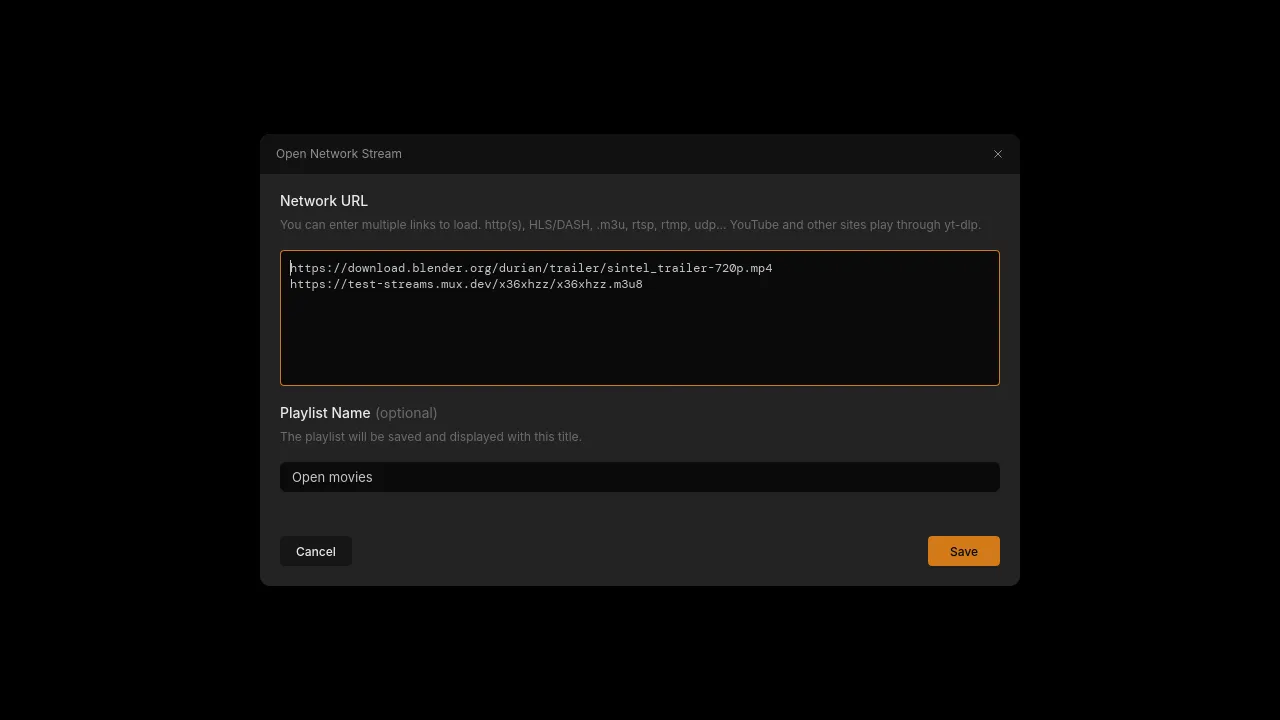
Network Streams
Browse Internet radio (radio-browser.info), import M3U/IPTV playlists, keep saved and recent streams, and see stream info (now-playing title, codec, bitrate, buffer). No key needed.
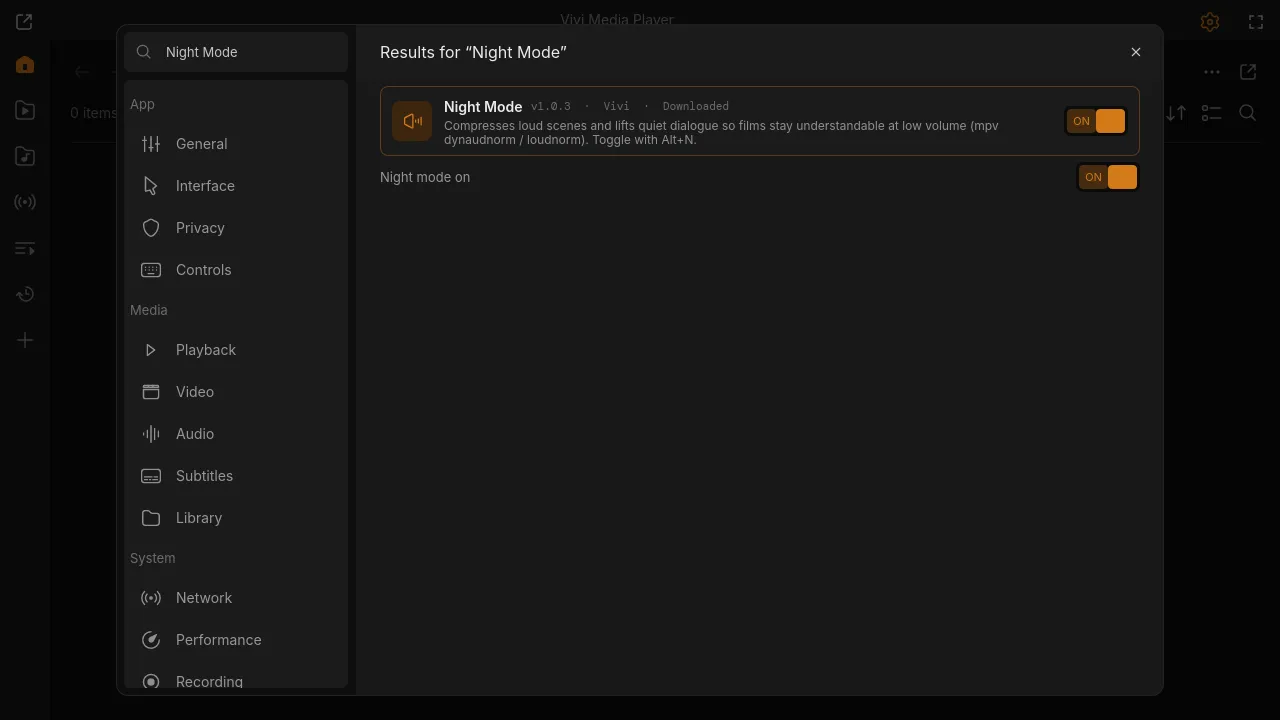
Night Mode
Compresses loud scenes and lifts quiet dialogue so films stay understandable at low volume (mpv dynaudnorm / loudnorm). Toggle with Alt+N.
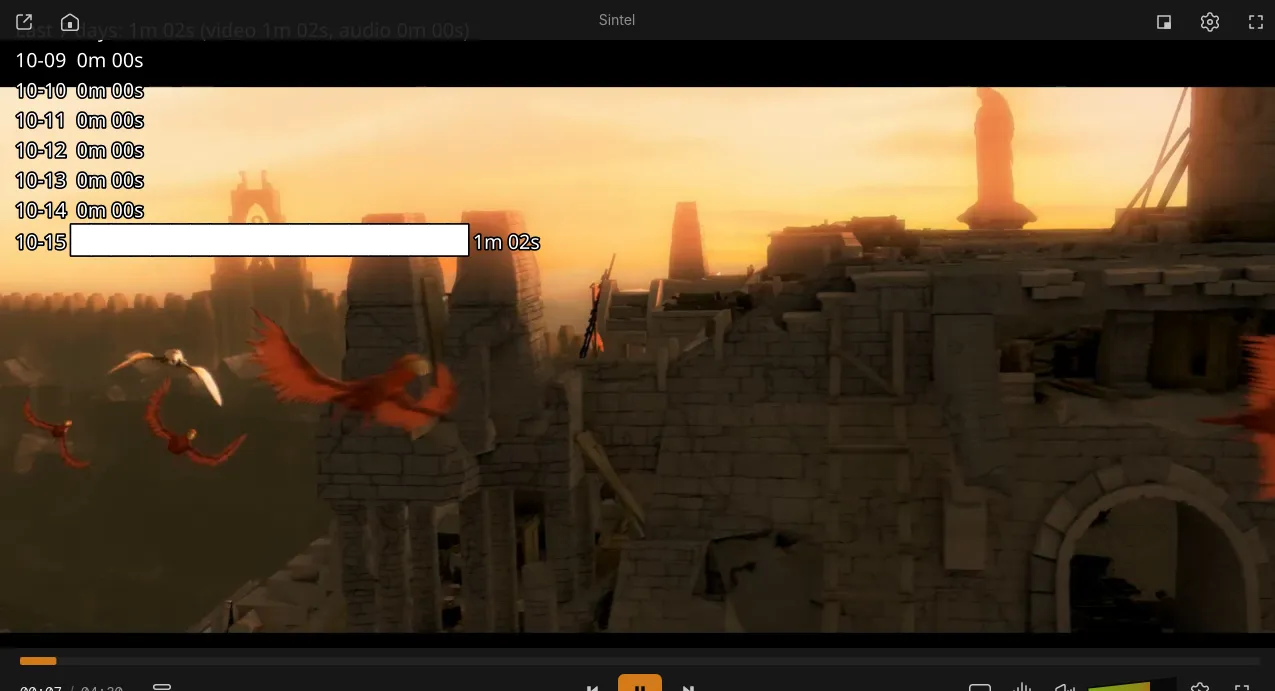
Playback Statistics
Counts time watched and listened per day, with top artists and shows. Kept locally in a small TSV file; Alt+S shows a summary, export as CSV or clear any time.
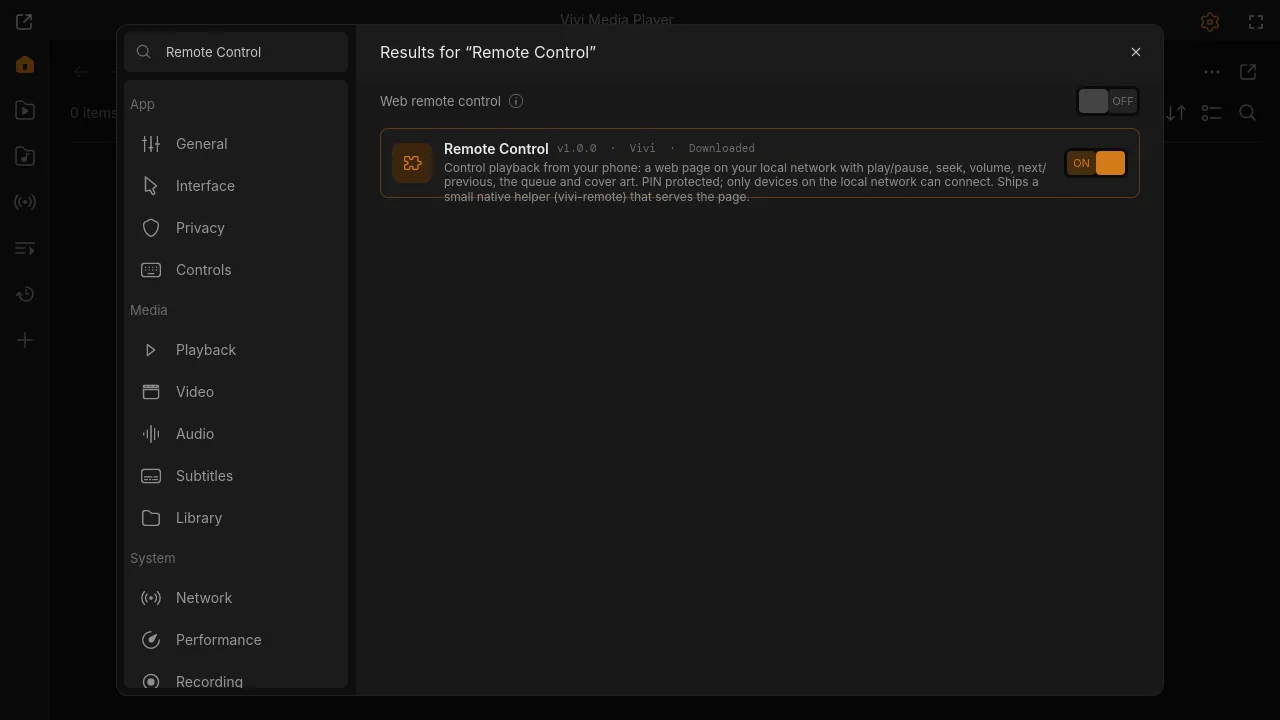
Remote Control
Control playback from your phone: a web page on your local network with play/pause, seek, volume, next/previous, the queue and cover art. PIN protected; only devices on the local network can connect. Ships a small native helper (vivi-remote) that serves the page.
Scene Chapters & Thumbnails
Creates chapters at scene changes for videos without chapters (ffmpeg scene detection, in the background) and saves a thumbnail for every chapter. Results are cached on disk.
Scrobbler (Last.fm & ListenBrainz)
Sends what you listen to to Last.fm and/or ListenBrainz: now playing when a track starts and a scrobble after half the track or 4 minutes. Scrobbles made offline are queued and sent later. Needs your ListenBrainz user token, or your Last.fm API key + shared secret (free) and one browser authorisation.

Skip Intro & Credits
Shows a Skip button during intros and credits found in chapter names (Intro, Opening, OP, Credits, Ending, ED) or set per show. Can skip automatically.
SponsorBlock
Skips sponsor, intro, self-promotion and other segments in YouTube videos opened as streams, using the crowd-sourced SponsorBlock database. Segments are marked as chapters on the seek bar; every skip shows a notice and can be undone (Alt+Shift+K). Also works for videos the YouTube plugin adds or downloads.
Subtitle Auto-Sync
Aligns the current external subtitle to the audio with alass or ffsubsync in the background, then loads the synced copy saved next to the original. Manual offset keys (Alt+Z / Alt+X) are remembered per file. Uses an installed alass or ffsubsync; otherwise downloads alass on first use (3 MB on Linux x86_64, 26 MB on Windows) and, without a system ffmpeg, Vivi's media ffmpeg build (about 15 MB, shared with Chapter Thumbnails).
Subtitle Search
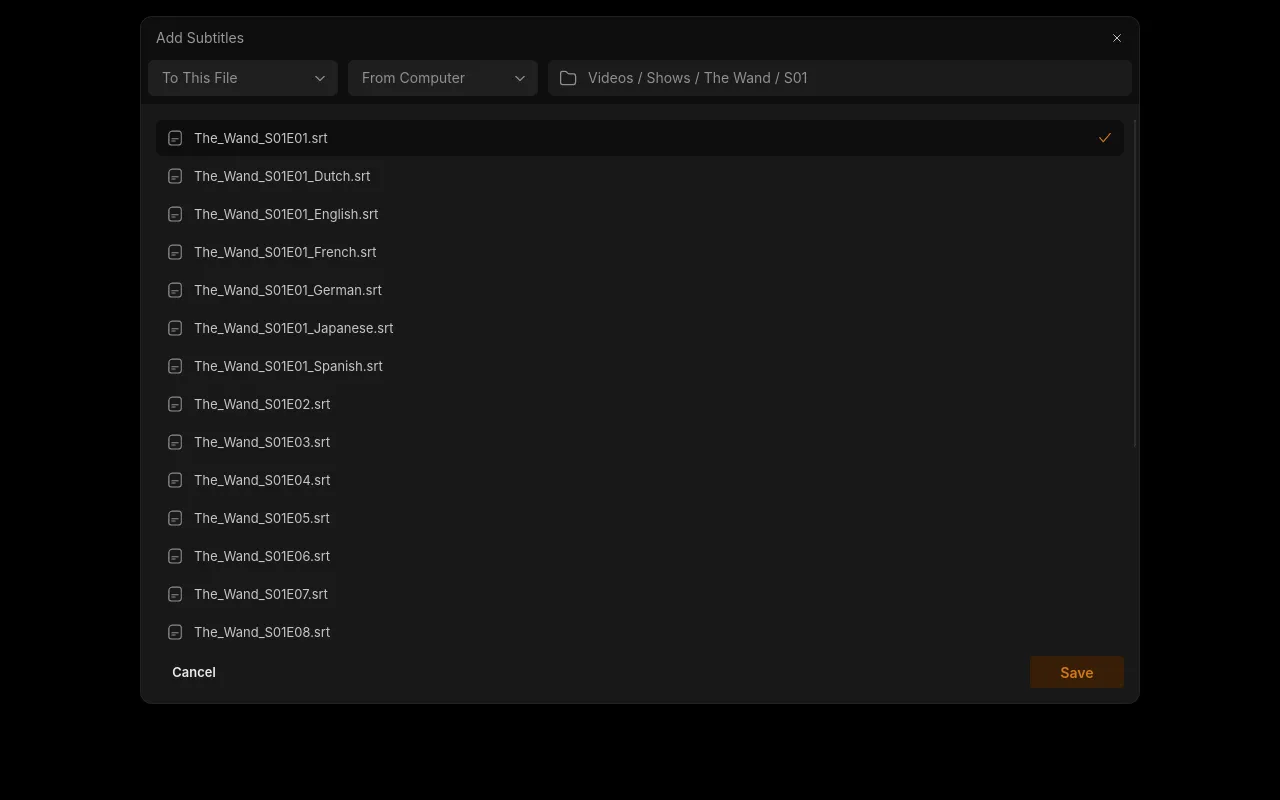
Find and download subtitles from OpenSubtitles (by file hash and name) in the Add Subtitles dialog. Needs a free API key.
YouTube & yt-dlp
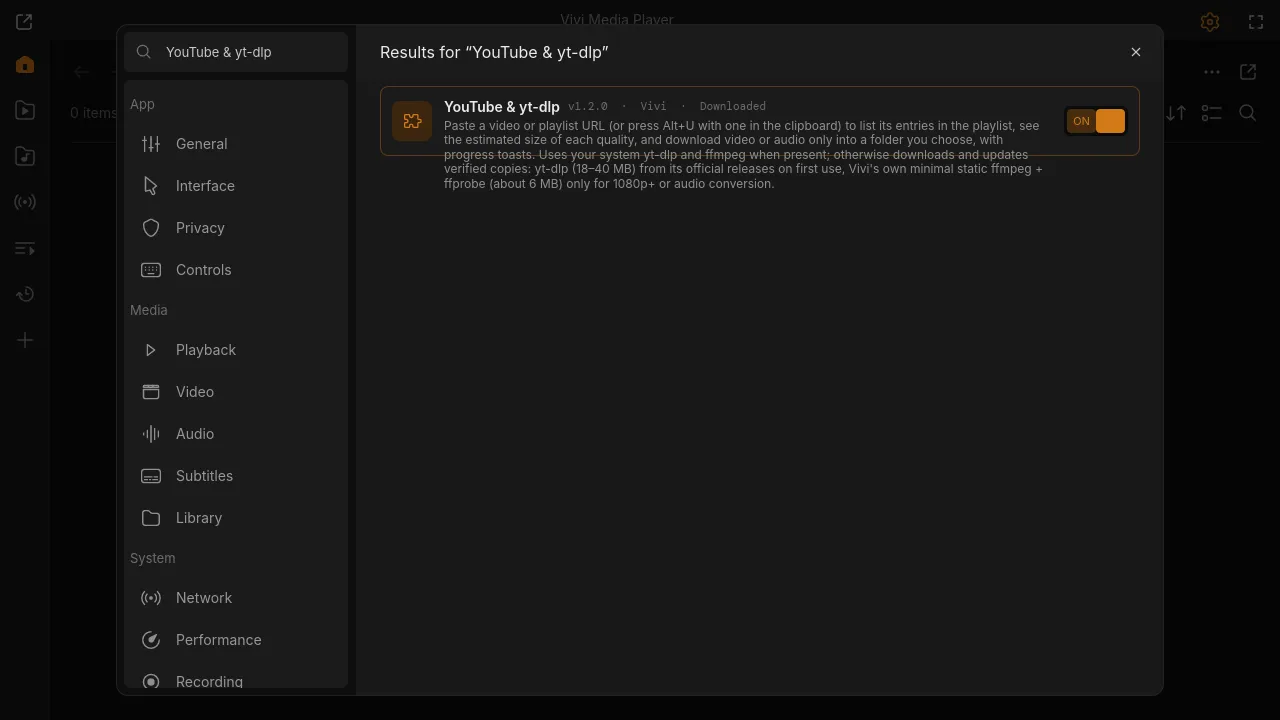
Paste a video or playlist URL (or press Alt+U with one in the clipboard) to list its entries in the playlist, see the estimated size of each quality, and download video or audio only into a folder you choose, with progress toasts. Uses your system yt-dlp and ffmpeg when present; otherwise downloads and updates verified copies: yt-dlp (18–40 MB) from its official releases on first use, Vivi's own minimal static ffmpeg + ffprobe (about 6 MB) only for 1080p+ or audio conversion.
Now Playing OSD
Example mpv Lua script: shows the title on the OSD when a file starts.