 Vivi plugins
Scrobbler (Last.fm & ListenBrainz)
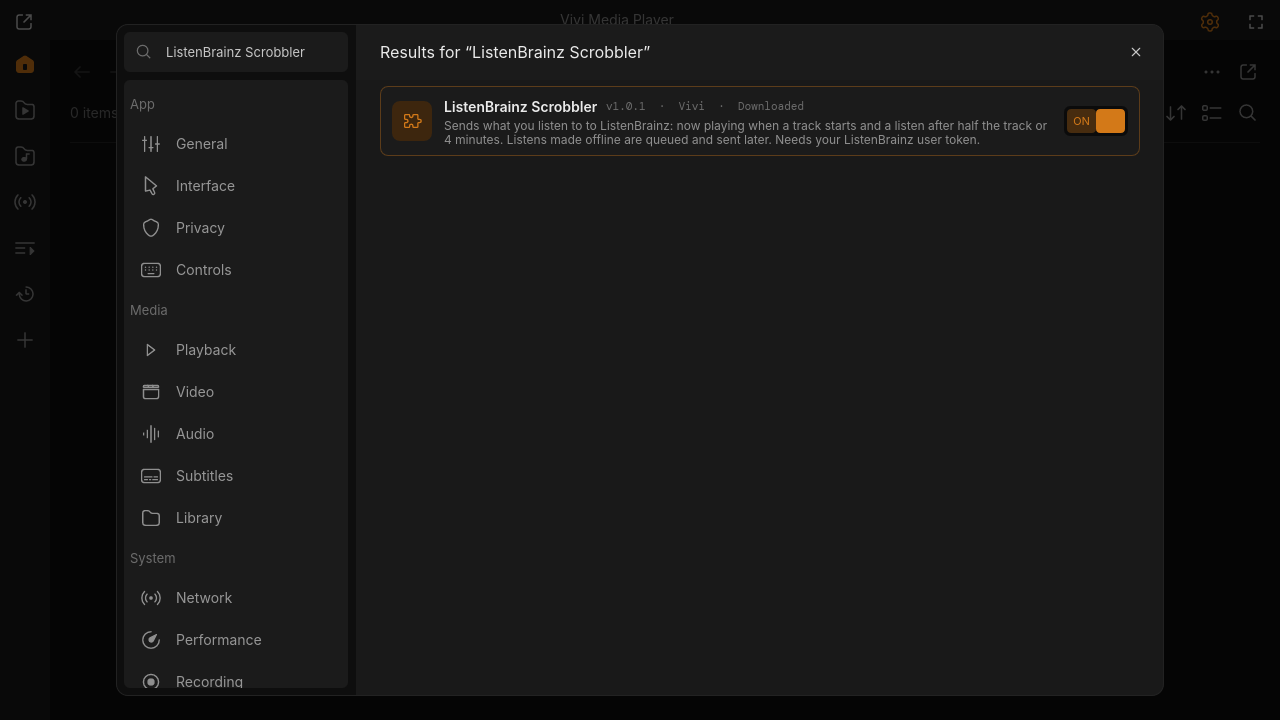
Sends what you listen to to Last.fm and/or ListenBrainz: now playing when a track starts and a scrobble after half the track or 4 minutes. Scrobbles made offline are queued and sent later. Needs your ListenBrainz user token, or your Last.fm API key + shared secret (free) and one browser authorisation.
"Open in Vivi" shows the plugin in Settings → Extensions → Browse, where you confirm its permissions and install it.
Needs Vivi 0.9.0 or newer. No Vivi yet? curl -fsSL https://viviplayer.app/install.sh | sh
Screenshots
Changelog
- v1.1.0 · download zip · latest
Last.fm scrobbling and now playing (your API key + browser authorisation), next to ListenBrainz; separate offline queue per service.
- v1.0.1 · download zip
Requires Vivi 0.9.0 (managed ffmpeg support).
- v1.0.0 · download zip
First release: ListenBrainz now playing and listens with an offline queue.
Permissions
- Internet access
- Reads and writes files outside its folder
- Runs other programs
Settings
- ListenBrainz user token (listenbrainz.org/settings) (secret)
- Last.fm API key (create one free at last.fm/api/account/create) (text)
- Last.fm shared secret (secret)
- Last.fm session key (filled in by Connect) (secret)
- Send now playing (toggle)
- Only music (skip videos) (toggle)
- API server (text)