 Vivi plugins
SponsorBlock
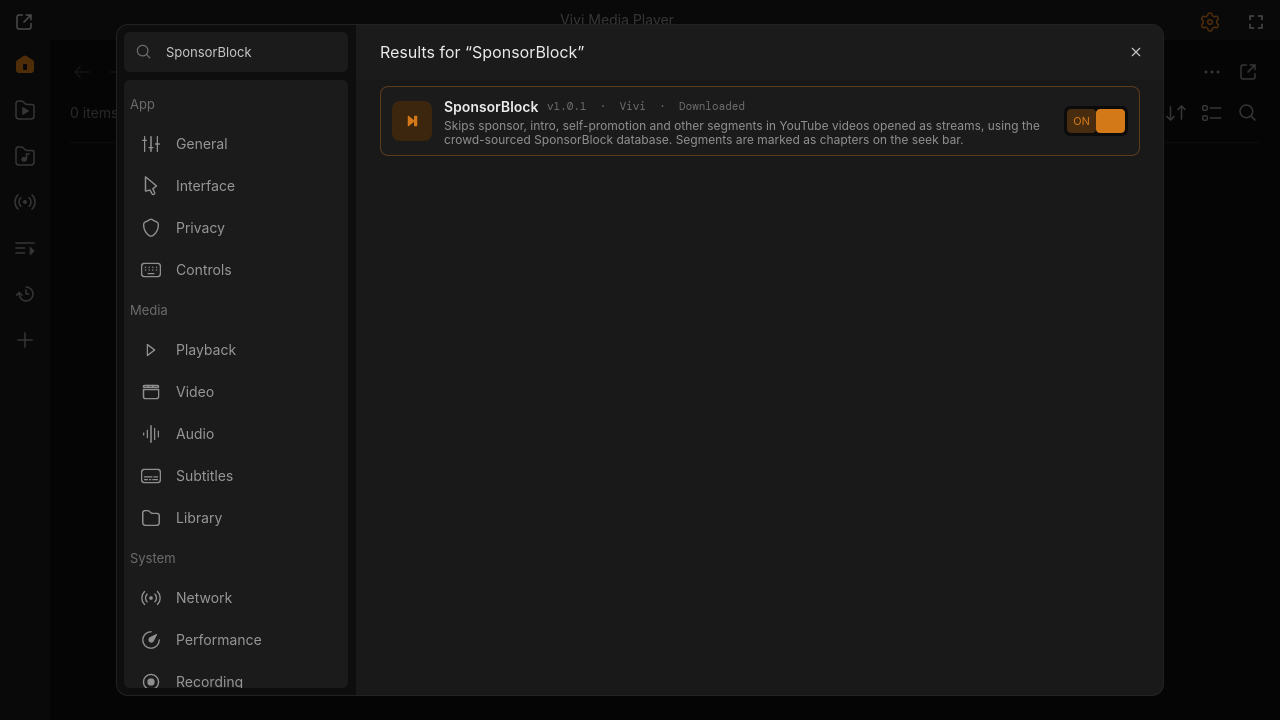
Skips sponsor, intro, self-promotion and other segments in YouTube videos opened as streams, using the crowd-sourced SponsorBlock database. Segments are marked as chapters on the seek bar; every skip shows a notice and can be undone (Alt+Shift+K). Also works for videos the YouTube plugin adds or downloads.
Open in Vivi
Download zip (12 KB)
"Open in Vivi" shows the plugin in Settings → Extensions → Browse, where you confirm its permissions and install it.
Needs Vivi 0.9.0 or newer. No Vivi yet? curl -fsSL https://viviplayer.app/install.sh | sh
Screenshots
Changelog
- v1.1.0 · download zip · latest
Skip notice with undo (Alt+Shift+K), works for files downloaded by the YouTube plugin ("[video id]" in the name).
- v1.0.1 · download zip
Requires Vivi 0.9.0 (managed ffmpeg support).
- v1.0.0 · download zip
First release.
Permissions
- Internet access
- Runs other programs
Settings
- Categories (space separated: sponsor selfpromo interaction intro outro preview music_offtopic filler) (text)
- When a segment starts (choice)
- Mark segments as chapters (toggle)
- API server (text)
- Show a notice with undo (Alt+Shift+K) after each skip (toggle)
- Also for downloaded files named "… [video id].ext" (toggle)